A cue list that behaves
Groups, waits, Go-tos, sections, drag-to-reorder, undo and autosave. The list is the show, so it stays readable under pressure.
AV-Cue plays audio, video and stills for corporate AV, theatre and houses of worship. Build the cue list, route it to the right screens and sound system, then press the button when it matters.
Unlicenced: 10 cues and 3 overrides, no time limit. Licensed: unlimited cues, perpetual ownership, 12+ months of updates.
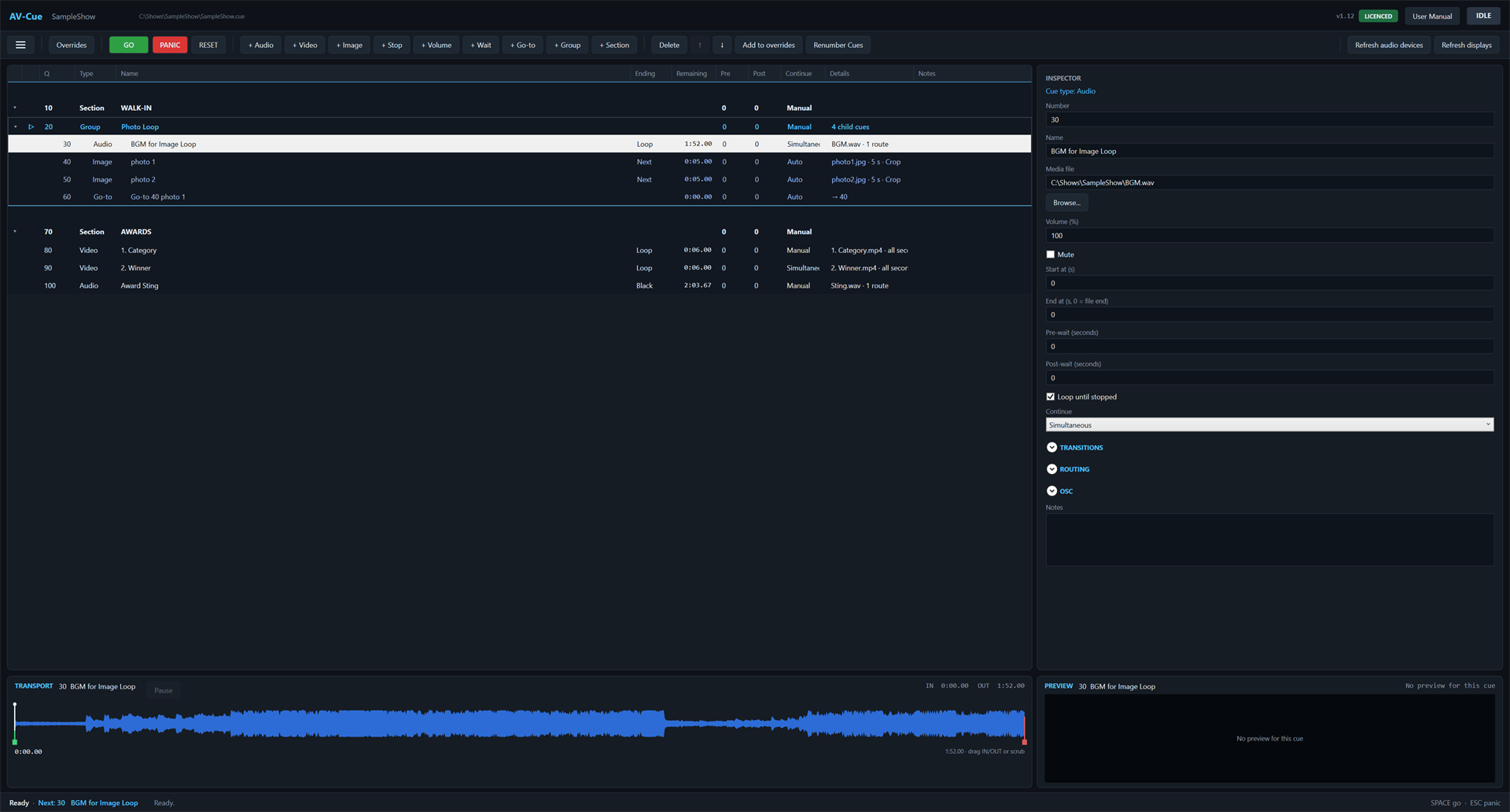
AV-Cue keeps the list, the transport and the outputs in one window. No cloud account, no dongle, no “which machine has the show file?”
Groups, waits, Go-tos, sections, drag-to-reorder, undo and autosave. The list is the show, so it stays readable under pressure.
Scrub audio and video with a still preview. Drag IN and OUT to choose the part that plays. The playhead follows playback when you let go.
Video decodes once and is presented frame-locked to every display the cue targets. Split content shares one start gate, so nothing drifts apart.
Pause an active audio or video cue, scrub the paused playhead, then resume exactly where you stopped. The room waits; the cue does too.
Fire one-shots without touching the cue list. Map each override to a keyboard key, and let a video override take over a display cleanly.
PANIC silences every output immediately. RESET rewinds the playhead and the highlight. The show log records what happened, in plain text.
The cue list is the script. The inspector shows only what the selected cue needs. The transport shows the waveform and the playhead. The preview tells you what the audience will see before they see it.
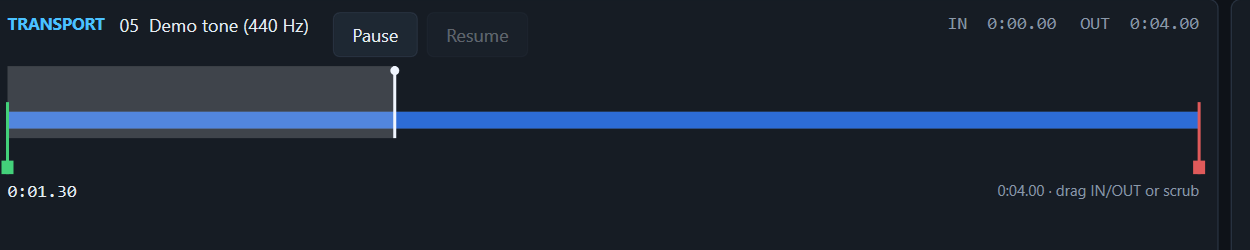
A door slams, a speaker needs a minute, the client changes their mind. Pause the active cue and AV-Cue holds the sound and picture exactly where they are. Scrub the paused playhead if you need a different moment, then resume from there.
Run the installer, or unzip the portable build. AV-Cue is self-contained; the show machine does not need a .NET install.
The sample show includes generated audio, video and images, so you can press GO and hear something immediately.
Drag files from Explorer into the cue list, choose the outputs, and set the waits. Save the show as a readable .cue file.
Every licence is perpetual. You get at least 12 months of free updates. Prices are in New Zealand dollars.
One computer. Unlimited cues and overrides.
Buy oneSave $10 per licence. Good for a venue with a spare machine.
Buy two or moreSave $20 per licence. For schools, tours and multi-room venues.
Buy six or moreNeed an invoice, purchase order, or a licence for a specific venue? Talk to us.
If your question is not here, the support page has a real email address.
You can use AV-Cue indefinitely with up to 10 cues and 3 overrides. That is enough to run a small show and decide whether it fits.
No. A licence is perpetual. You get free updates for at least 12 months; after that, the version you own keeps working.
One at a time. You can move a licence to a new computer from your dashboard by removing the old machine and activating the new one.
No. The desktop app can run offline. The website is for buying, retrieving and managing licences.
Windows 10 or 11, 64-bit, a DirectX 11-capable GPU, and 4 GB of RAM. The installer bundles the .NET runtime and FFmpeg.